Rendering Blue Slate tile with Photoshop 7.0 (continued)
Dated: 13 April 2008
Author: Jason Gonzalez
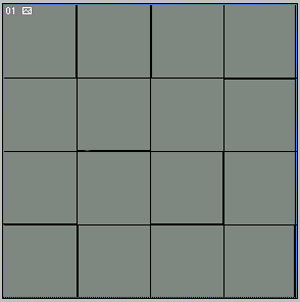
- Using the Pencil tool at 1px and color black, we will draw
a line horizontally and vertically along the guides. We do not draw any lines
along the very top or left sides as the right and bottom lines will repeat
the pattern. To give the lines a more tiled look, we'll uncheck Snap
to Guides, and draw more lines directly next to a few edges. We must
hit the shift key while drawing the lines to create a straight line. It is
also a good idea to uncheck Show > Guides. The look is
shown below:
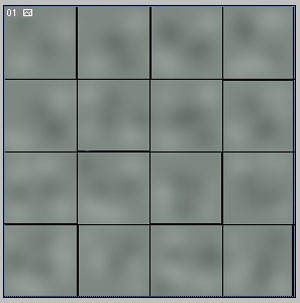
- Clicking on the bottom most color Layer, we next will apply the Dodge tool with a Brush size of 35 soft and Exposure set to 50% to lighten some of the areas. Click very lightly as we are going after a subtle look
- Then we apply the Burn tool to other untouched areas with
the same brush settings as above and also clicking lightly. Pictured below is how the drawing should look thus far: