Rendering Blue Slate tile with Photoshop 7.0 (continued)
Dated: 13 April 2008
Author: Jason Gonzalez
- We can now apply the Palette Knife filter with these settings: Stroke size: 30, Stroke detail: 3, Softness: 9. It is a good idea to vary these settings dependent on the intensity of the Dodging and Burning.
- Add Noise; Amount: 2%, Gaussian and Monochromatic
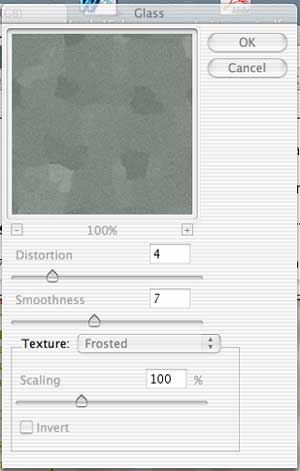
- Filter > Distort > Glass. Distortion should be set
to 4, Smoothness: 7, Texture: Frosted, Scaling: leave at 100%
- Finally, we apply a Gaussian Blur at 0.3 pixels
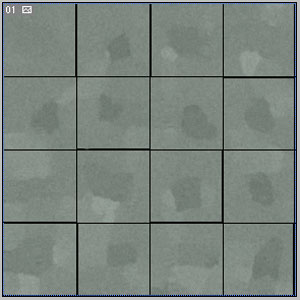
- The final look is pictured below: