Creating Layered Tiled Sand in Photoshop 6.0 (continued)
Dated 14 July 2005
Author: Jason Gonzalez
- Now we can fix the seamlines by dabbing the centers
- And use the Eraser tool with these settings (Brush: 27, Mode: Airbrush, Pressure: 100) to even it out
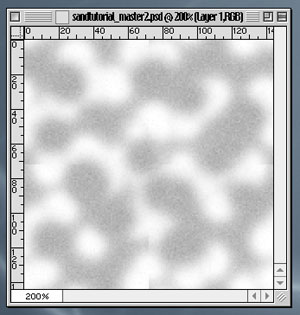
- Add noise to the "highlights" layer using the same settings as before. The look is pictured below:
- Next we will add a New Layer above highlights and name it "shadows" without the quotes and add in our shadows
- We now create a new layer above "highlights" and name it "shadows"
- We can create a bluish shadow color: R=81, G=95, B=104.
- And dab this color using the same technique and airbrush size described before. This time we must not touch the edges
- Also, we can use the Eraser tool with the previous settings to erase blotchy areas
- This is a strong color. Applying a blending mode of Multiply and lowering the opacity to 30 can fix this
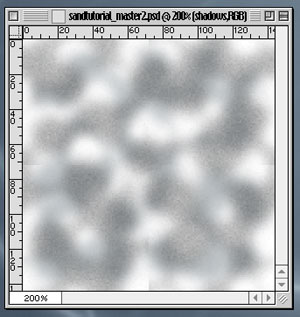
- Finally we Offset and Add Noise using same settings as previously. The final product is pictured below:
*Extras
The power of creating our sand this way is that we can change the background color by adding a new layer (with Add Noise). Check out these saved for web gifs below (and their RGB color codes in the PSD file)
R=158, G=139, B=117 |
R=115, G=82, B=64 |
R=194, G=170, B=134 |
R=215, G=219, B=234 |