Creating Water with Photoshop 7.0 using Layers
Dated: 28 December 2007
Author: Jason Gonzalez
- We will likely have to draw new waves to fill in the center (if not, the seam lines will be very obvious). Leave the settings on the brush as before (5 px and 100% opacity). Don’t touch edges
- Use the Smudge tool with the same settings as before
- Now we'll hide the topmost layer and reveal [Layer 1]. Offset this layer with the same numbers as the previous layer and paint and Smudge as necessary again. Once again we avoid touching the edges
- I tested as a background with the .psd file (using Mac OS X's Desktop System Preference)
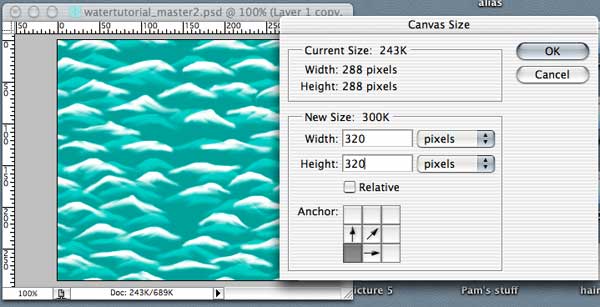
- *After previewing I saw that the layer with the Soft Light blending mode had visible seam lines. So we will have to add canvas space on the top and right (as shown below) to see what is getting clipped
- Then we scale (Edit > Transform > Scale) the top layer down (lower left) to match with the bounds of [Layer 1]
- Finally, we resize the canvas back to the original size as shown below
- Save the .psd file and Save for Web as a .jpg file with descriptive titles
- Preview our background again
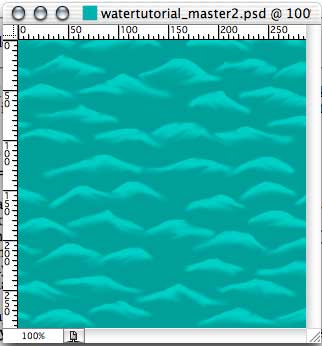
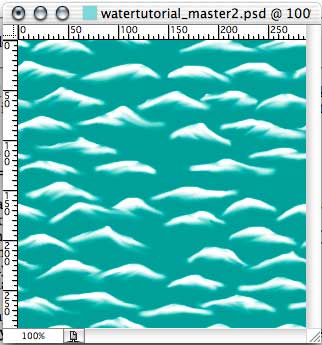
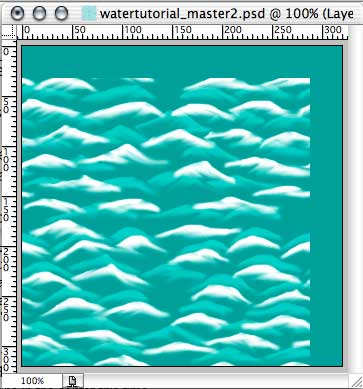
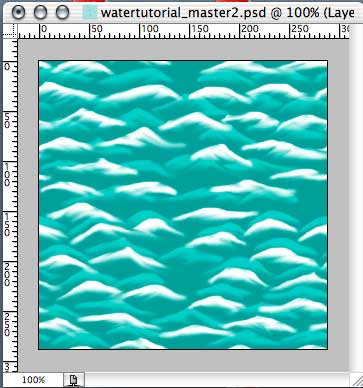
As we learned, the results in the first viewing test were not ideal and inconsistencies were revealed. One way to test whether or not a pattern will tile with visible seams is to write a simple html page and place the .jpg or .gif image as a tiled background in the <body> tag. The tile will automatically be repeated.
<html>

<head>
<title>Untitled 1</title>
</head>

<body background="URL of your image">
</body>

</html>
*Extras
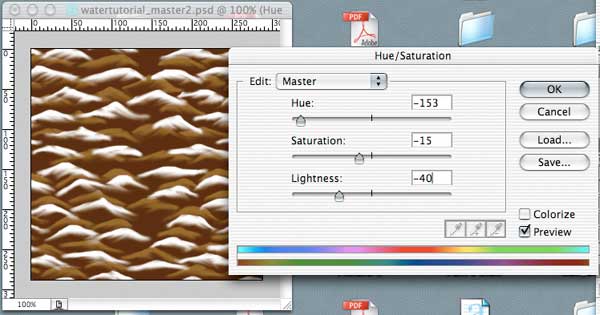
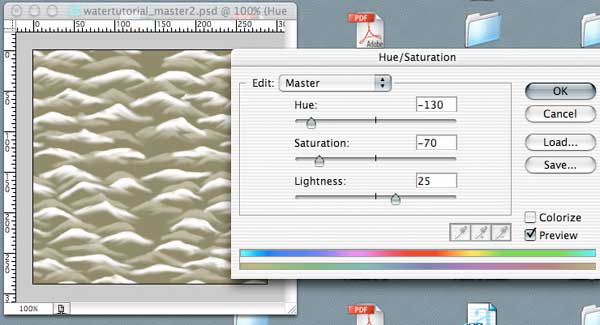
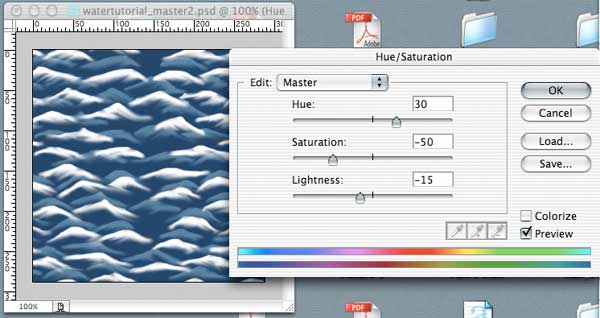
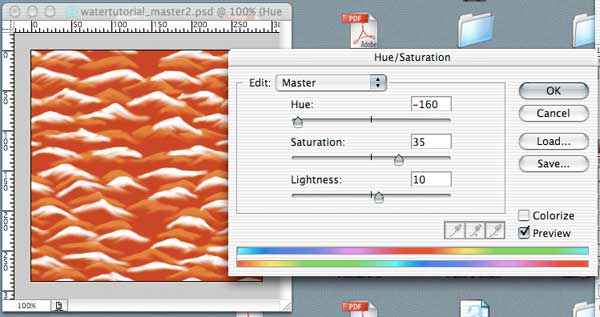
After completing the tutorial, we can add a Hue/Saturation adjustment layer just above the bottom color layer and edit the color values, creating these new looks:
Muddy Water
Lake Water
Fire Water
Chocolate Water