Creating Water with Photoshop 6.0
Dated: 27 December 2007
Author: Jason Gonzalez
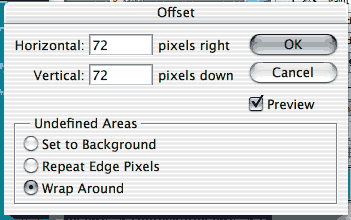
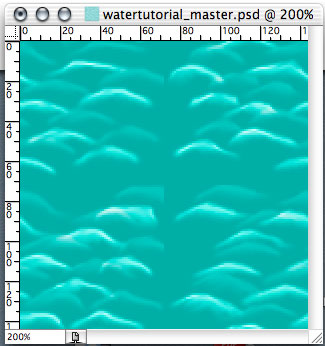
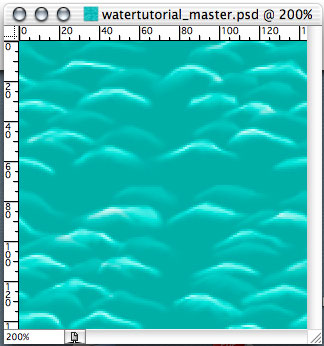
- Now we use the Filter menu item > Other > Offset (72 pixels right and down). We will need to do this because the image is unable to be tiled after the pixel moving process
- Now we Smudge the hard edges in the centers. Add more water effect if necessary (do not touch edges)
- Save file
*Extras
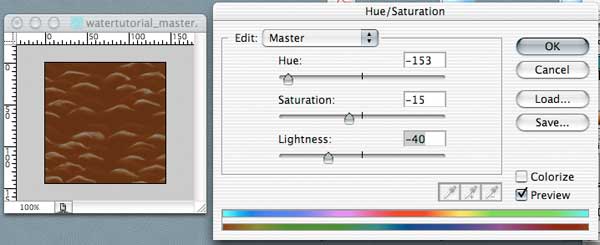
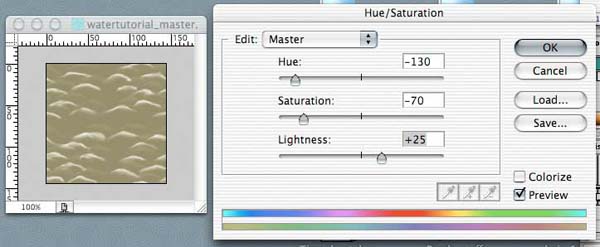
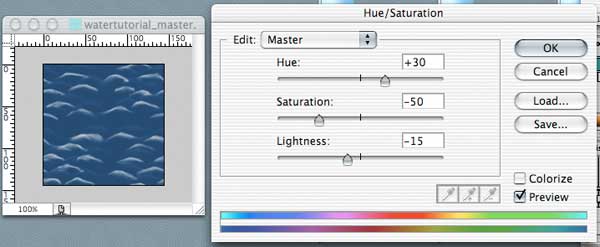
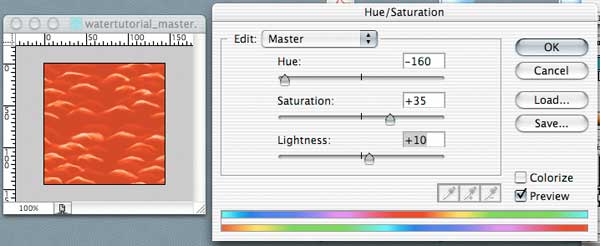
After completing the tutorial, we can add a Hue/Saturation adjustment layer (the button just left of the New Layer button > Hue/Saturation) and edit the color values, creating these new looks:
Muddy Water
Lake Water
Fire Water
Chocolate Water